Professional food labels in minutes
No more wrestling with labels. Create, design and print compliant food labels for your shop — fast, simple and professional.
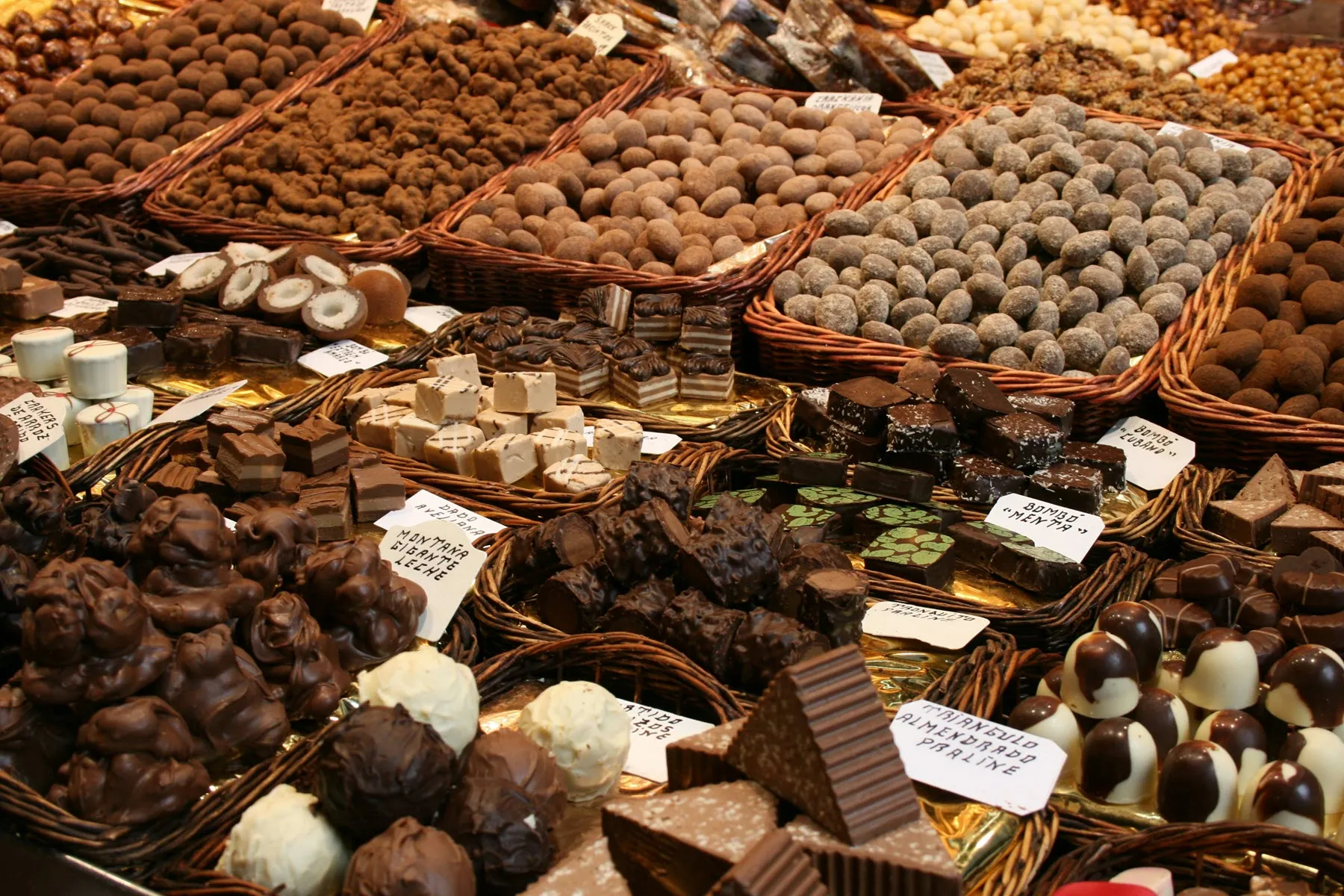
Photo by Salah Ait Mokhtar on Unsplash
Everything you need for perfect food labels
Save time, stay compliant and impress your customers with professional labels
Built for confectioners
Build a product library with ingredients, allergens and nutritional values — reuse it straight away on new labels.
Compliant by default
Meeting the Swedish Food Agency and EU requirements is straightforward with Pintera Nova label printing.
Print straight away
Connect your label printer in the shop — Brother QL, Zebra or Epson TM. No driver hassle.
Works on every platform
Runs on your iPad or Android tablet, Windows or Mac — all through the browser.
Batch printing
Create labels for the whole range at once. Save hours when prices or nutritional values change.
Your server, your data
Images are cached locally on your own mini PC. Your data stays yours.
What is Pintera Nova Labels?
In short: what the software actually does
Pintera Nova Labels is label software for food producers. You build your own product register — chocolate pralines, truffles, pastries, jam, charcuterie or whatever you make — and print finished food labels straight to the label printer in the shop or the production kitchen.
For each product you enter the name, description, EAN code, an ingredient list with allergens flagged, and nutritional values. Ingredients live in a shared library, so one change takes effect across every product that uses them. This is the same information the EU Food Information Regulation (1169/2011) and Swedish Food Agency rules require a prepacked product to carry — except you enter it once instead of on every new label.
When it is time to label, you add the products to the cart, set the quantity and press Print. The software assembles the labels and sends them to the printer — a single product or the entire range in one batch. If you sell for export, the same product can carry label text in several languages.
Everything runs on a small server of your own, a mini PC or another computer on site. You reach it from any device on the network through the browser — iPad, Android tablet, Windows or Mac — without installing anything on each device, and the product data stays with you.
It is this simple
From start to finished label in just a few minutes
Install the server
A click-through installer on a small Windows PC in the shop or workplace. The server opens port 80 and keeps running in the background.
Add your products
Browse to the server from an iPad or computer. Build up products, ingredients and nutritional values in your own library.
Print the label
Add products to the cart and press Print. The label printer cuts, and you are done within seconds.
Choose the plan that fits
Every plan includes a 14-day free trial — card details are taken up front, but nothing is charged until the trial ends
Starter
Perfect if you are just getting started
per month
- Up to 50 products
- PDF export
- Label printer via local server
- Email support
Professional
For growing shops
per month
- Unlimited products
- Several label printers at once
- The same products across multiple locations
- Priority support
Enterprise
For larger operations
for a quote
- Everything in Professional
- Multiple sites
- API integration with POS systems
- Dedicated support
- Tailored solutions